Read-only · Solana · 30-day check-up

Your wallet has a
story. We read the chart.

Connect a Solana wallet and Onchain Doctor turns the last 30 days of on-chain noise — gas, transactions, balances — into a recap you can actually read. Nothing is moved, traded, or custodied.

See how the check-up works Read the privacy policy
NO CUSTODY NO SEED PHRASE ACCESS NO ACCOUNT REQUIRED
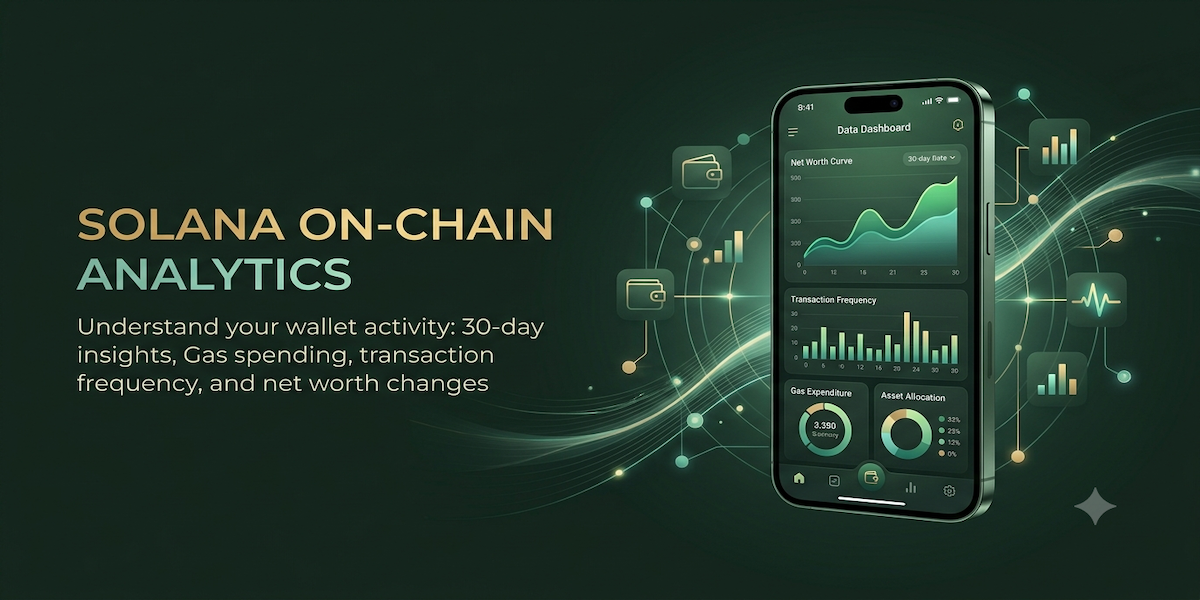
Onchain Doctor dashboard preview showing net worth curve, transaction frequency, gas expenditure, and asset allocation
The read-out

Four vitals, checked every time you refresh.

Each panel is built from the same 30-day window, so nothing is cherry-picked and nothing needs a spreadsheet.

01 · Gas
Daily gas spending

What you paid the network, day by day, in SOL — not buried in a block explorer.

02 · Activity
Transaction count

A daily tally of how active the wallet has been, so quiet days and busy days both stand out.

03 · Trend
Net worth trend

An estimated trend line, not a promise — built from third-party pricing data as it's available.

04 · Recap
Plain-language summary

A short, readable recap of recent patterns — informational only, never advice.

How it works

Three steps. No forms, no funds movement.

1
Connect a wallet

Authorize a compatible Solana wallet. Your private keys and seed phrase never leave your wallet.

2
We pull the last 30 days

Onchain Doctor reads publicly available on-chain activity through third-party data providers — read-only, nothing signed on your behalf beyond the initial connection.

3
You get the recap

Charts and a plain-language summary, cached locally on your device for faster repeat visits.

Before you connect

Read the fine print — it's short, and it says what it means.

Onchain Doctor is informational only: it doesn't custody funds, execute trades, or give financial advice. The two pages below spell out exactly what data we touch and what you're agreeing to.

Terms of Use Privacy Policy